
Guide
How to Find Local Business Leads: A Step-by-Step Guide
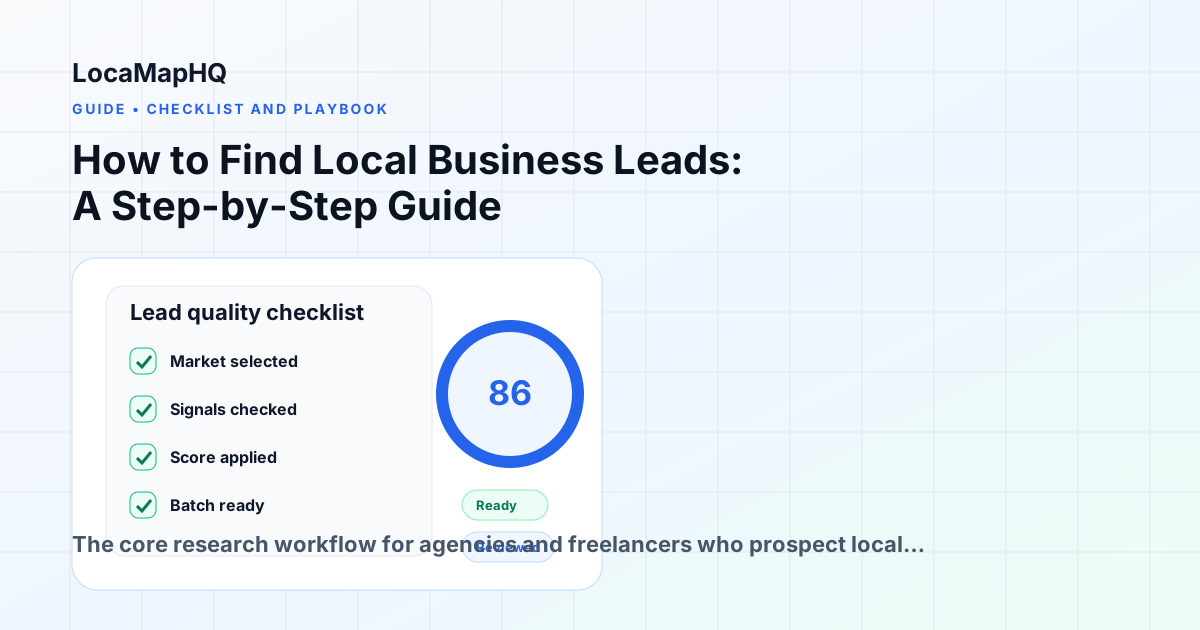
The core research workflow for agencies and freelancers who prospect local businesses by city and industry — from choosing a market to building an export-ready list.
Why local business lead research works differently than B2B prospecting
Most B2B prospecting tools are built around company databases, LinkedIn filters, and job title targeting. Those workflows do not translate well to local business prospecting, where the goal is to find a roofing company in Denver or a dentist in Tampa — not a VP of Marketing at a software company.
Local business lead research is geographic and category-based. You start with a city and an industry, not a persona. The qualification signals are different too: website status, review volume, online presence quality, and specific gaps in their digital footprint matter more than company size or funding stage.
This guide walks through the workflow agencies and freelancers use to find, qualify, and build outreach-ready lists of local business leads.
Step 1: Choose your target market
Before you can research leads, you need two things: a city (or geographic area) and an industry. These two inputs define your search scope.
Choosing a city: Start with markets you know or markets where you already have clients. Proximity is an advantage in local business sales — you can reference local landmarks, competitors, and seasonal patterns that resonate with the business owner. As your workflow matures, expand to adjacent metro areas.
Choosing an industry: Pick an industry where you have relevant portfolio work or a clear service offering. Common industries for web design and local SEO agencies include plumbing, roofing, HVAC, landscaping, dental, auto repair, contracting, and restaurants. Narrow focus makes outreach more targeted and easier to personalize.
The combination of city + industry defines a searchable, researchable market. Start with one combination. Once your workflow is running, you can expand to additional cities and industries.
Step 2: Search for businesses in your target market
The most practical source for local business leads is Google Maps. It contains virtually every registered local business in a given area, with phone numbers, websites, review counts, and category data. You can search directly or use a tool like LocaMapHQ that structures the results and adds opportunity signals.
A typical search looks like: Plumber + Chicago, Dental office + Austin, or HVAC company + Phoenix. The results will return dozens to hundreds of businesses depending on the market size.
At this stage, you are not qualifying — you are pulling the full list. Qualification comes next.
Step 3: Identify opportunity signals
Not every local business is a good prospect. The businesses worth targeting are the ones with a clear gap between their real-world presence and their online presence. These gaps are visible in the data and are called opportunity signals.
The most reliable opportunity signals to look for:
- No website: A business with a Google listing, phone number, and reviews but no website link is a direct target. Their word-of-mouth reputation exists, but their discoverability does not.
- Outdated website: A site that has not been updated in years, loads slowly on mobile, or lacks basic conversion elements (contact form, service pages, clear CTA) is a redesign opportunity.
- Strong reviews, weak web presence: A business with 80+ Google reviews and a 4.7 rating but no website is a strong signal — they have earned customer trust but are losing the customers who search before calling.
- Facebook-only presence: A business using a Facebook page as their primary web presence is a prospect. Facebook pages do not rank in organic search and provide no service detail page.
- Missing service pages: A plumber with a homepage but no pages for specific services (drain cleaning, water heater repair, emergency plumbing) is missing SEO traffic and conversion opportunities.
Step 4: Score and prioritize prospects
Once you have a list with opportunity signals, prioritize by the strength and combination of signals. A business with no website and 50+ reviews is a higher-priority prospect than one with a basic website and 10 reviews.
A simple scoring framework:
- No website + strong review count: highest priority
- Outdated website + strong review count: high priority
- Facebook-only presence + any review count: medium-high priority
- Has a website with obvious gaps: medium priority
- Has a decent website: low priority or skip
Tools like LocaMapHQ surface these signals per result and calculate a lead score automatically, so you do not need to manually assess each listing.
Step 5: Save qualified prospects
As you review results, save the prospects that meet your criteria. The goal at this stage is a curated list of businesses that have clear need, have demonstrated customer demand (reviews), and represent a service offering you can deliver.
For each saved prospect, note the specific signal that made them a good fit. This becomes the basis for your outreach personalization.
Step 6: Export and prepare for outreach
Export your qualified prospect list as a CSV. A clean export for local business outreach should include: business name, phone number, website (or "none"), primary category, review count, rating, and the specific signal that qualified them.
Import this into your CRM or outreach tool. The signal column is what lets you write personalized outreach at scale — you know exactly why each business is on the list.
Step 7: Repeat for the next market
The power of a city + industry workflow is repeatability. Once you have researched plumbers in Chicago, the same workflow applies to plumbers in Columbus, plumbers in Milwaukee, or HVAC companies in Chicago. The research process is consistent — only the inputs change.
Agencies that systematize this workflow can build prospect lists for a new city-industry combination in under an hour. That is the foundation of a scalable outbound pipeline for local business clients.
The most common mistakes in local business lead research
- Targeting businesses without clear signals: Reaching out to any local business in a category wastes time. The opportunity signal is what makes the pitch relevant and specific.
- Skipping the qualification step: Exporting a full category list and cold calling every entry is low-leverage. Prioritizing by signal quality dramatically improves response rates.
- Researching too many markets at once: Pick one city-industry combination, build a list, run outreach, measure results, then expand. Spreading across too many markets early makes it hard to personalize or iterate.
- Using the wrong tools: Manual Google Maps research at scale is slow and inconsistent. Purpose-built tools that surface signals and enable saving and export eliminate the spreadsheet bottleneck.
Tools for local business lead research
The most common tools agencies use for this workflow:
- LocaMapHQ: Purpose-built for city + industry lead research. Surfaces opportunity signals, enables prospect saving, and exports clean CSV lists. Designed for agency teams without technical setup requirements.
- Google Maps (manual): Free, comprehensive, but requires manual qualification and spreadsheet export. Works for small research runs, slow at scale.
- Outscraper: Bulk data export tool for technical users. Requires API configuration and post-processing to get actionable results.
Common mistakes in local business lead research
Most agencies that struggle with outbound prospecting are not failing because they cannot find local businesses — they are failing because of what happens between finding and contacting. These are the most common errors in the research and qualification step.
Saving too many without reviewing
Saving every result from a filtered search produces an unqualified list that still requires significant manual review before outreach. The filter is a starting point, not a replacement for individual assessment. Review each business before saving to confirm the opportunity signal is real, the business appears active, and it matches your service offer.
Using a single market test to draw conclusions about all markets
The local business market varies significantly by city, region, and industry category. A niche that produces few qualified prospects in one city may produce excellent results in another. Before concluding a niche is not viable, test at least 2–3 cities with meaningful business density in that category. Market size and online presence quality vary enough that a single-city test can be misleading.
Not distinguishing between no-website and bad-website prospects
These two prospect segments require different pitch approaches and different outreach copy. No-website businesses need to understand the value of having a website. Bad-website businesses already understand — they need to understand why your redesign is better than their current site. Mixing the two in the same outreach campaign produces diluted results. Separate the segments at the research stage and write distinct messaging for each.
Attributing poor outreach results to poor lead quality
When a campaign produces poor response rates, the cause is often the outreach message or offer rather than the prospect list. Before concluding that a niche or city does not respond well, check the outreach quality: Is the message personalized? Does it reference the specific opportunity signal? Is the offer clear? Is there a compelling reason to respond now rather than later? Eliminate these variables before assuming the leads are the problem.
FAQ: Finding local business leads
How do I find the email address for a local business I have identified?
Start with the business's Google Maps listing — many include a website link that may have a contact form or listed email. For businesses with websites, Hunter.io can find the email format for the domain. For businesses without websites, a phone call to the business is often the most direct path. Most owner-operated local businesses are reachable by phone.
What if a city does not have enough businesses in my target niche?
Mid-size cities (250,000–1,000,000 population) typically have sufficient density in common service categories like plumbing, HVAC, dentistry, and restaurants. Smaller cities may have too few businesses in a niche to justify a dedicated outreach campaign. If you find fewer than 15 qualified prospects in a niche-city combination, consider either expanding to a nearby larger city or broadening the industry category.
Should I target a single city deeply or many cities at once?
For most agencies, targeting a single city deeply before expanding to multiple cities produces better learning and feedback. Your first city-niche campaign teaches you what messaging resonates, which signals produce the best-qualified prospects, and what the sales cycle looks like for that market. Apply that learning before scaling to additional cities.
Practical block
Quick checklist
| Step | Question | Pass condition | Next action |
|---|---|---|---|
| Market | Is the city and niche focused? | One clear segment | Run search |
| Signal | Is the gap visible? | Specific reason | Save lead |
| Fit | Can your offer help? | Relevant service | Add note |
| Batch | Can the team act this week? | Manageable list | Export |
Workflow for turning this guide into a prospect list
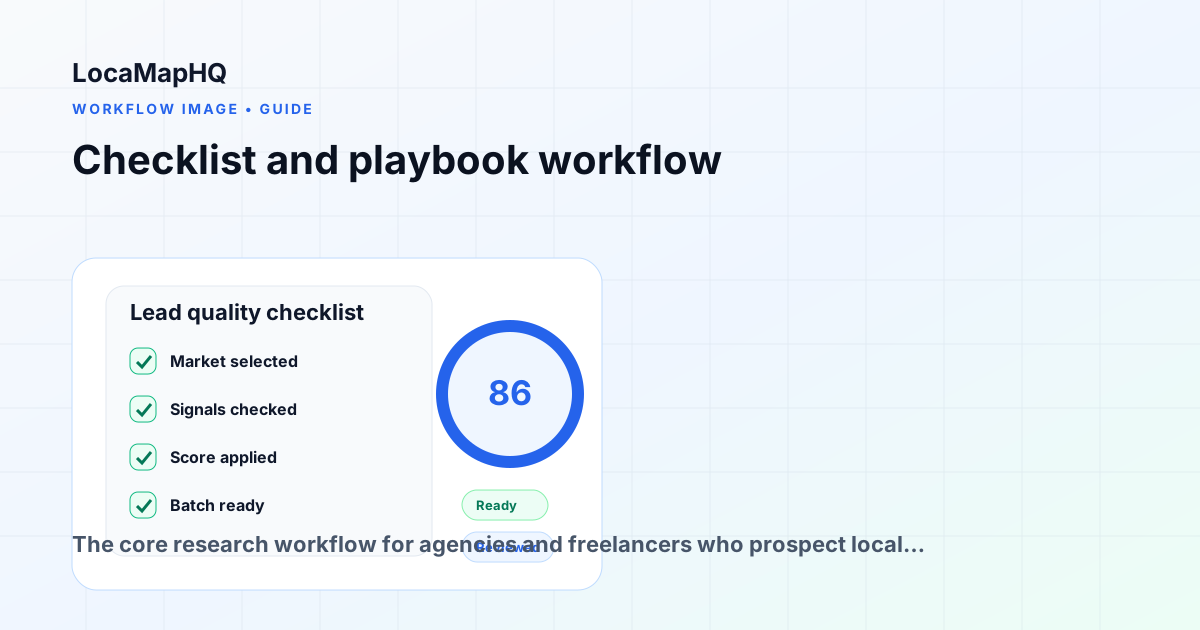
Use the article topic as a focused research lane: choose one city, one local business category, and one visible opportunity signal before saving prospects. The goal is a reviewed list with notes, not a raw export. Keep no-website, weak-website, local SEO, and niche-fit opportunities separated so the follow-up angle stays specific.
Lead quality checklist for this topic
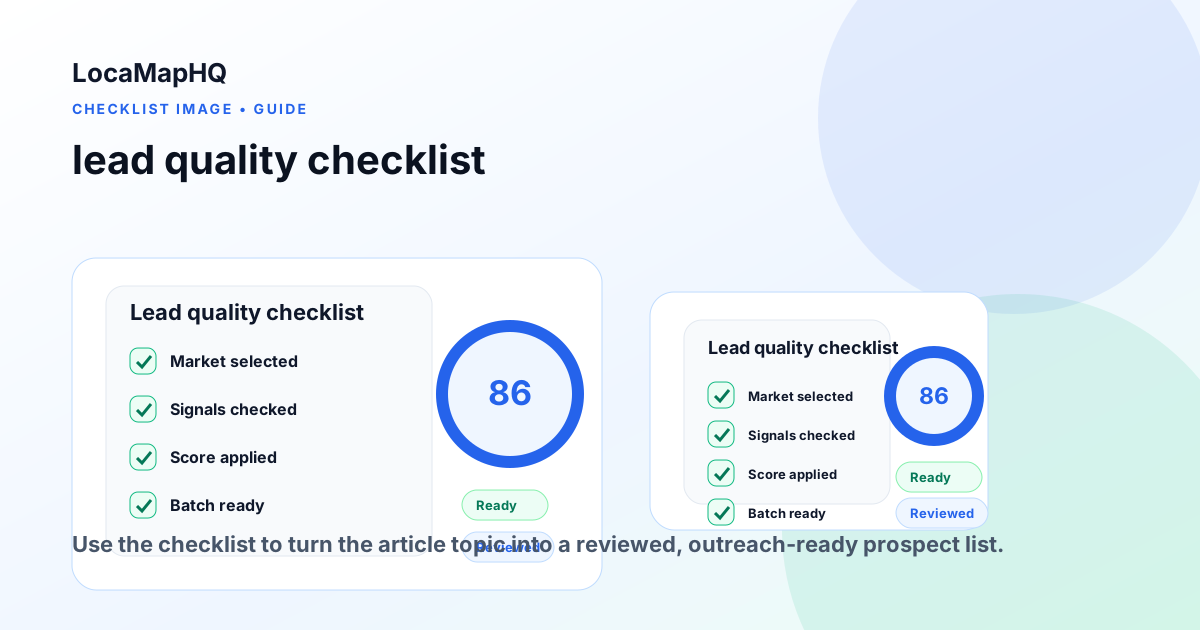
Before a business enters an outreach batch, confirm that the signal is visible, relevant, and tied to a service your agency can provide. Look for active businesses, clear contact paths, strong reviews or local demand, and a gap you can explain without overstating outcomes.
Key takeaways
- Start with one city, one industry, and one visible opportunity signal.
- Review each business before outreach so the list stays relevant and respectful.
- Use LocaMapHQ to support search, saving, and export while keeping final qualification decisions in your workflow.
Conclusion
Strong local prospecting comes from focused research, careful review, and a list your team can act on. Use the workflow above to narrow the market, identify relevant signals, and prepare cleaner outreach batches without assuming that any tool can guarantee outcomes.
Start your local lead research
LocaMapHQ is built for the workflow described in this guide. Search by city and industry, review opportunity signals, save qualified prospects, and export clean lead lists.